
In addition to importing and exporting dashboards, you can also clone, share, unshare, lock, unlock, and delete them using the icons in the Actions column or from the More drop-down at the top-right corner. Click Details for more information about the dashboard.
Go to Settings >> Knowledge Base from the navigation bar and click Dashboards.
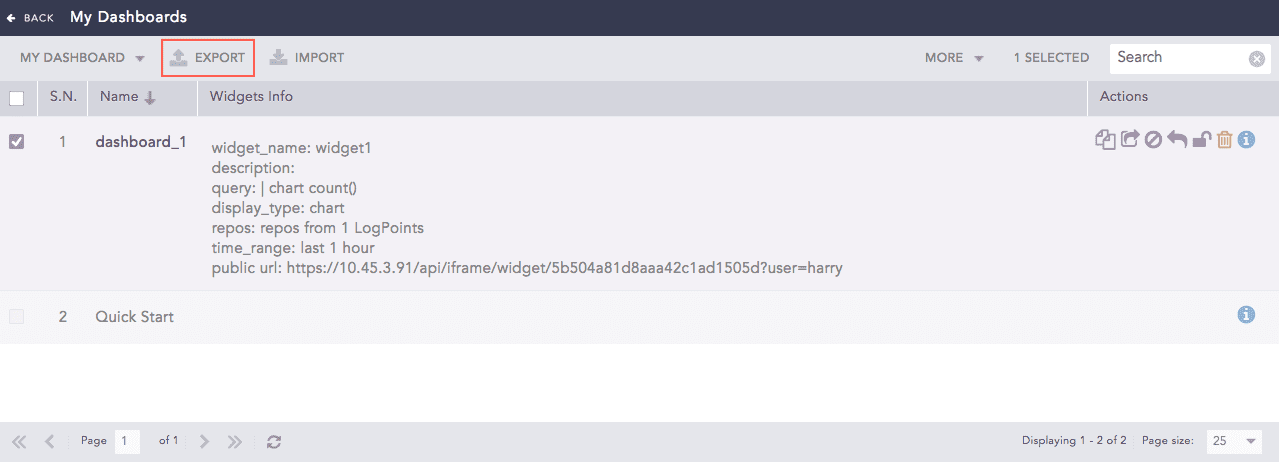
Dashboards
Select the dashboards that you want to export.
Click EXPORT.
Save the .pak file as a backup or store in the computer system to use it in another Logpoint.
Go to Settings >> Knowledge Base from the navigation bar and click Dashboards.
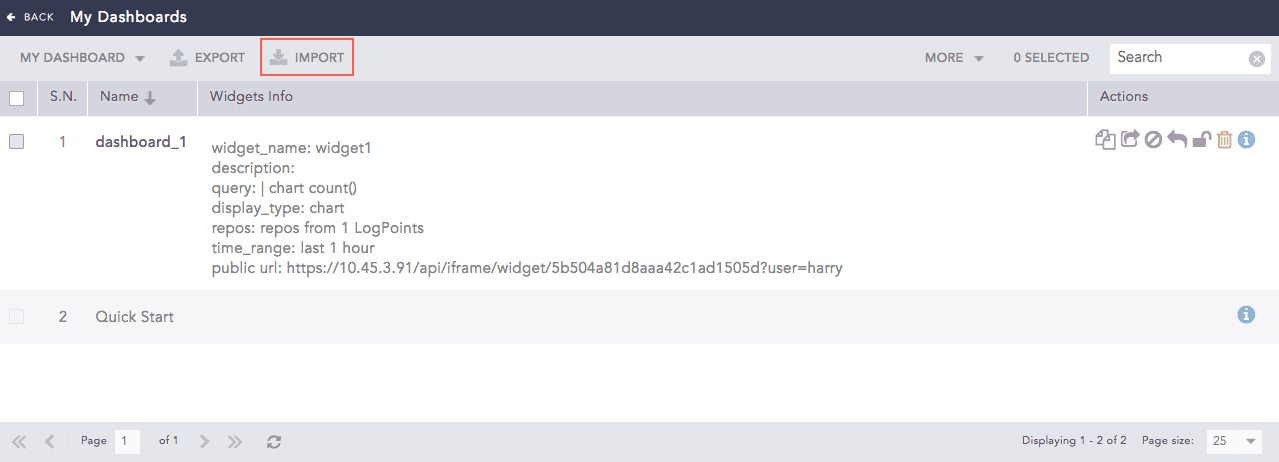
Dashboards
Click IMPORT.
Browse and upload the .pak file containing the dashboards to import.
Click Submit.
Note
Dashboards shared with you are listed in My Dashboards. You can edit and share this dashboard with other users. If you need to use the original dashboard, first delete yours. Then click Shared Dashboard and select it. You can also do this for vendor dashboards.
You can drag and drop the widgets from one dashboard to another and must avoid dropping the widgets into a locked dashboard.